
How to Use Pico‑Banana‑400K for Research (Step‑by‑Step)
This Pico‑Banana‑400K research guide shows how to use Pico‑Banana‑400K in a research‑only workflow for text‑guided image editing. You’ll build an SFT baseline for image editing models, add preference learning / DPO / IPO with preference data DPO image editing, progress to multi‑turn image editing training on multi‑turn edit sequences, and finish with an evaluation protocol (LPIPS, SSIM, CLIP score)—all while keeping segregating research‑only runs and weights and documenting reproducibility & model/data cards.
Table of Contents
Key takeaways
- A practical Pico‑Banana‑400K training recipe: start with supervised fine‑tuning (SFT) → add DPO / IPO → extend to multi‑turn sequential editing curriculum.
- Keep a strict research‑only workflow; isolate artifacts and weights from commercial projects.
- Evaluate instruction‑following image editor behavior on fidelity, content preservation vs realism, and human judgments.
What you’ll need (Prerequisites)
- Dataset: the Pico‑Banana‑400K dataset (built on Open Images source photos).
- Editor model: diffusion/transformer instruction‑following image editor that supports image+text conditioning for text‑guided image editing.
- Environment: reproducible stack (conda/uv), pinned versions, deterministic seeds, logging.
- Compliance: adopt a research‑only workflow; write a short LICENSE‑USE note in your repo.
- Repro: plan reproducibility & model/data cards from day one.
Pico‑Banana‑400K data prep and manifests
- Download & verify: fetch archives and checksums; spot‑check integrity.
- Folders:
single_turn/,preference/,multi_turn/. - Manifests: JSONL/CSV with fields:
image_path, instruction, edited_path, split, turn_idxand for preferencespair_id, preferred. - Filtering: remove ambiguous instructions; keep balanced categories for content preservation vs realism analysis.
- Alt text (featured image): how to use pico-banana-400k research-only workflow.
SFT baseline for image editing models
Goal: train an instruction‑following image editor that maps (image + instruction) → edited_image.
- Preprocessing: resize to model native res; normalize; avoid augmenting targets.
- Prompt template:
Instruction: <text>. Preserve scene content unless specified. - Losses: pixel loss + perceptual (LPIPS) and, for diffusion, noise‑prediction loss.
- Curriculum: start with global photometric edits → object‑level changes → compositional edits.
- Logging: per‑category metrics to seed the later evaluation protocol (LPIPS, SSIM, CLIP score).
This section establishes the SFT baseline for image editing models, a cornerstone of the Pico‑Banana‑400K training recipe.
DPO with preference pairs for image editing (Preference learning / DPO / IPO)
Why: SFT teaches “how”; preference learning / DPO / IPO teaches “which output is better”.
- Data format:
(prompt, image, candidate_A, candidate_B, preferred)from the preference split. - Methods:
- Direct Preference Optimization (DPO) / Implicit Preference Optimization (IPO) to upweight the preferred candidate.
- Train a small reward model for image editing to predict preferences; use it for rejection sampling or guidance.
- Regularization: constrain KL to the SFT model to avoid over‑saturation and drift.
- Validation: hold out a balanced pref set; report accuracy and Bradley–Terry style scores.
This step operationalizes preference data DPO image editing on Pico‑Banana‑400K.
Multi‑turn sequential editing curriculum
Why: Real user tasks often require planning edits across multiple turns.
- Sequence prep: convert sequences into
(state_t, instruction_t) → state_{t+1}training pairs for multi‑turn edit sequences. - Teacher forcing → free running: begin with teacher‑forced steps, then gradually allow rollouts.
- Losses: step‑wise objectives and final sequence score; preserve identity/scene to balance content preservation vs realism.
- Scaling: start with 2‑step chains and extend to 3–4 steps as part of your multi‑turn image editing training.
Evaluation protocol (LPIPS, SSIM, CLIP score)
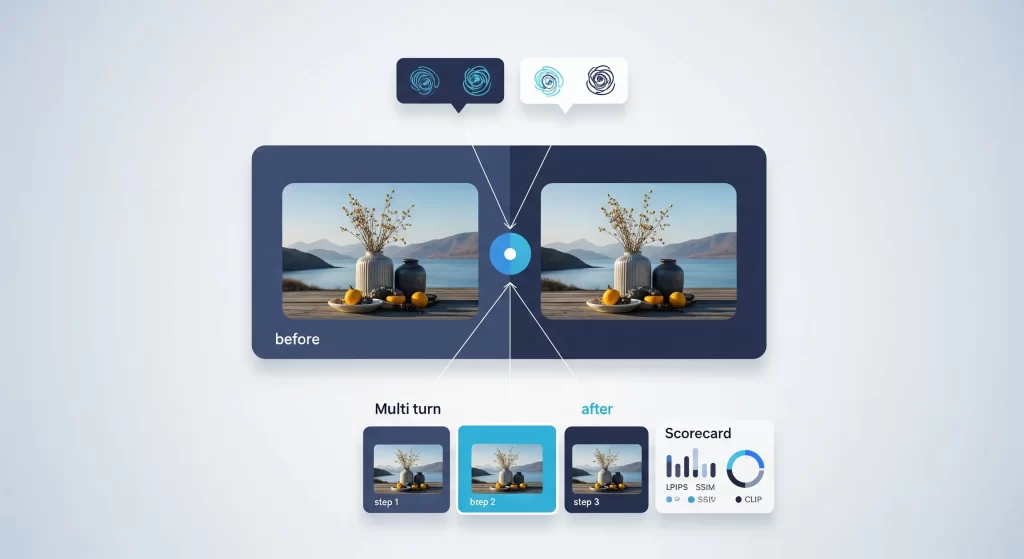
Assess the model with a transparent evaluation protocol (LPIPS, SSIM, CLIP score) and human studies.
- Instruction fidelity: CLIP‑based similarity between instruction and edit delta.
- Content preservation: SSIM/LPIPS vs original (mask‑aware when possible).
- Perceptual realism: learned IQA or FID‑like proxy on edited results.
- Human studies: reporting results with human rater studies on faithfulness, preservation, realism, and overall quality.
Safe/ethical use of Pico‑Banana‑400K
- Keep runs private under a research‑only workflow; document segregating research‑only runs and weights.
- Respect any restrictions tied to Open Images source photos.
- Watermark public demos; avoid identity‑sensitive manipulations.
Reproducibility & model/data cards
- Log seeds, dataset version, and manifest checksums.
- Publish reproducibility & model/data cards describing training data, objectives, metrics, and limitations.
- Note clearly that this guide covers how to use Pico‑Banana‑400K for non‑commercial text‑guided image editing research.
Quick checklist
- ✅ how to use pico-banana-400k steps completed
- ✅ Pico‑Banana‑400K training recipe (SFT → DPO/IPO → multi‑turn)
- ✅ evaluation protocol (LPIPS, SSIM, CLIP score) logged
- ✅ segregating research‑only runs and weights
- ✅ reproducibility & model/data cards drafted
FAQs
How to use Pico‑Banana‑400K for training?
Start with supervised fine‑tuning (SFT) to build an SFT baseline for image editing models, then apply DPO with preference pairs for image editing, and finally adopt a multi‑turn sequential editing curriculum before running the full evaluation protocol (LPIPS, SSIM, CLIP score).
How to use Pico‑Banana‑400K data prep and manifests?
Use structured manifests for the Pico‑Banana‑400K dataset (single‑turn, preference, multi‑turn). Manifests make instruction‑following image editor training reproducible and simplify audits and reporting results with human rater studies.
How to use DPO with preference pairs for image editing?
Implement preference learning / DPO / IPO to leverage preference data DPO image editing signals. A lightweight reward model for image editing boosts ranking and sample selection.
How to use Multi‑turn sequential editing curriculum?
Plan multi‑turn edit sequences with 2–4 steps. This multi‑turn image editing training improves planning and stabilizes content preservation vs realism trade‑offs.
How to make evaluation metrics for instruction‑guided editing?
Follow the stated evaluation protocol (LPIPS, SSIM, CLIP score) and add human judgments. Report per‑category results to compare models fairly.
How to Safe/ethical use of Pico‑Banana‑400K?
Adopt a research‑only workflow, respect Open Images source photos, and keep artifacts private, segregating research‑only runs and weights.
SFT baseline for image editing models.
Build a strong SFT baseline for image editing models before trying advanced alignment; it anchors quality and simplifies ablations.
How to plan edits across multiple turns?
Teach planning explicitly with a multi‑turn sequential editing curriculum; it’s essential for realistic text‑guided image editing.
Reporting results with human rater studies.
Pair automatic metrics with reporting results with human rater studies to capture nuances in fidelity and realism.
Related articles
- Main explainer: Pico‑Banana‑400K dataset explained
- License deep‑dive: CC BY‑NC‑ND license for ML
9 responses to “How to Use Pico‑Banana‑400K: Research Guide & Training”
-
Really interesting breakdown of the Pico-Banana-400K workflow—especially the part about moving from SFT to DPO preference pairs. It’s great to see Apple emphasizing structured evaluation with LPIPS, SSIM, and CLIP metrics, which should make reproducibility much easier for researchers. I’d love to see a follow-up on how multi-turn edits are being handled to maintain image fidelity over multiple iterations.
-
For the reason that the admin of this site is working, no uncertainty very quickly it will be renowned, due to its quality contents.
-
Awesome! Its genuinely remarkable post, I have got much clear idea regarding from this post
-
I truly appreciate your technique of writing a blog. I added it to my bookmark site list and will
-
Your blog is a true hidden gem on the internet. Your thoughtful analysis and in-depth commentary set you apart from the crowd. Keep up the excellent work!
-
Wonderful post — practical and well-researched. Subscribed!
-
Your blog is a breath of fresh air in the often stagnant world of online content. Your thoughtful analysis and insightful commentary never fail to leave a lasting impression. Thank you for sharing your wisdom with us.
-
i enjoy reading your articles, it is simply amazing, you are doing great work, do you post often? i will be checking you out again for your next post. you can check out webdesignagenturnürnberg.de the best webdesign agency in nuremberg Germany
-
i enjoy reading your articles, it is simply amazing, you are doing great work, do you post often? i will be checking you out again for your next post. you can check out webdesignagenturnürnberg.de the best webdesign agency in nuremberg Germany


Leave a Reply Cancel reply